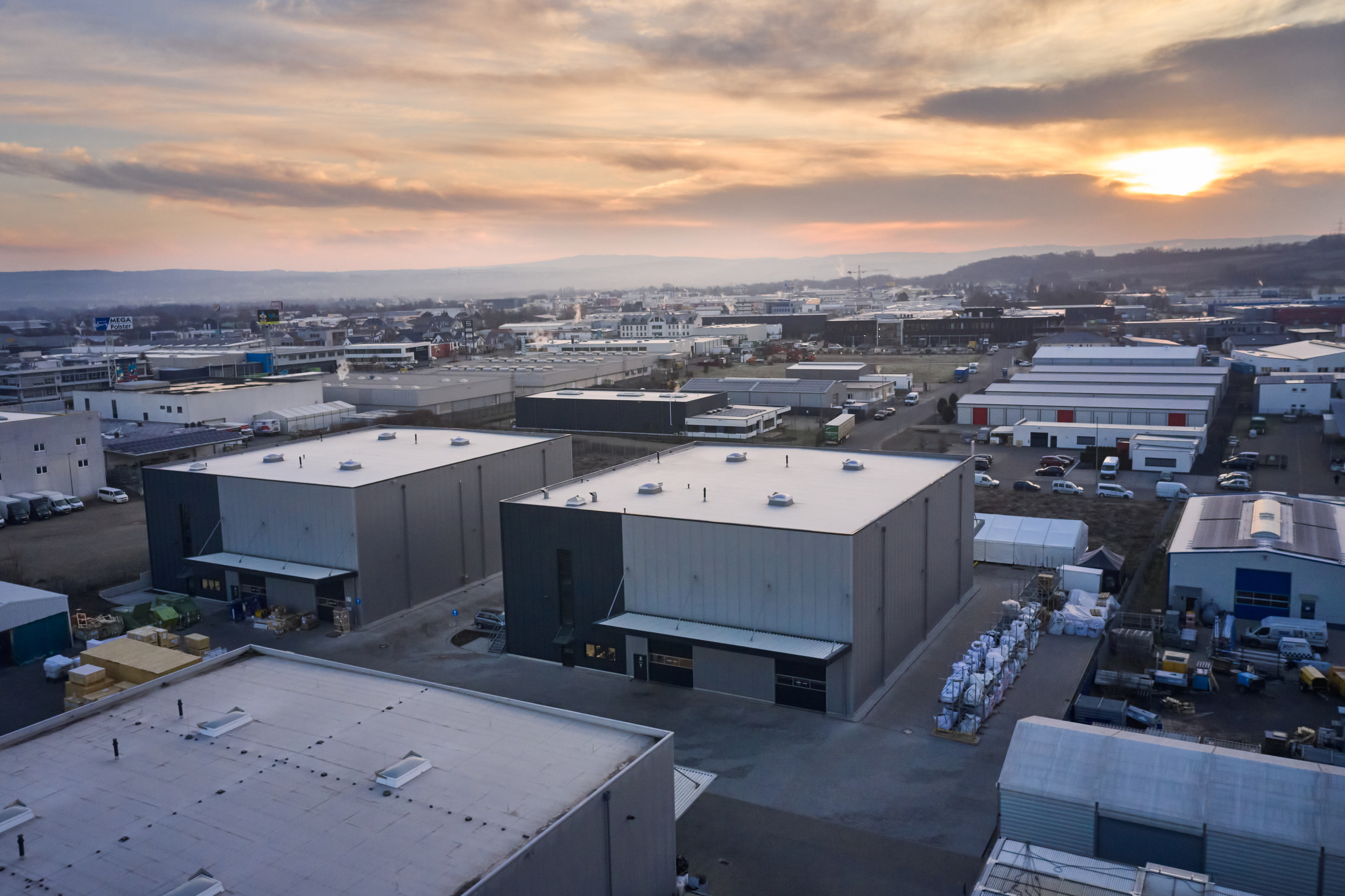
About this block
The CtaBlock is the primary call-to-action section component. It renders a heading, rich-text body, an optional background image and a button link. It is typically the final block on a page — turning the reader’s engagement into an action.
vs. CtaButtonBlock
Use CtaBlock when the call to action needs context — a heading, body text and optional image. Use CtaButtonBlock when a single button is sufficient and you want minimal visual weight.
Tips
- The BlockHeading should be action-oriented: “Ready to start?”, “See it in action”
- One CTA per block. Do not add multiple links to the Text field.
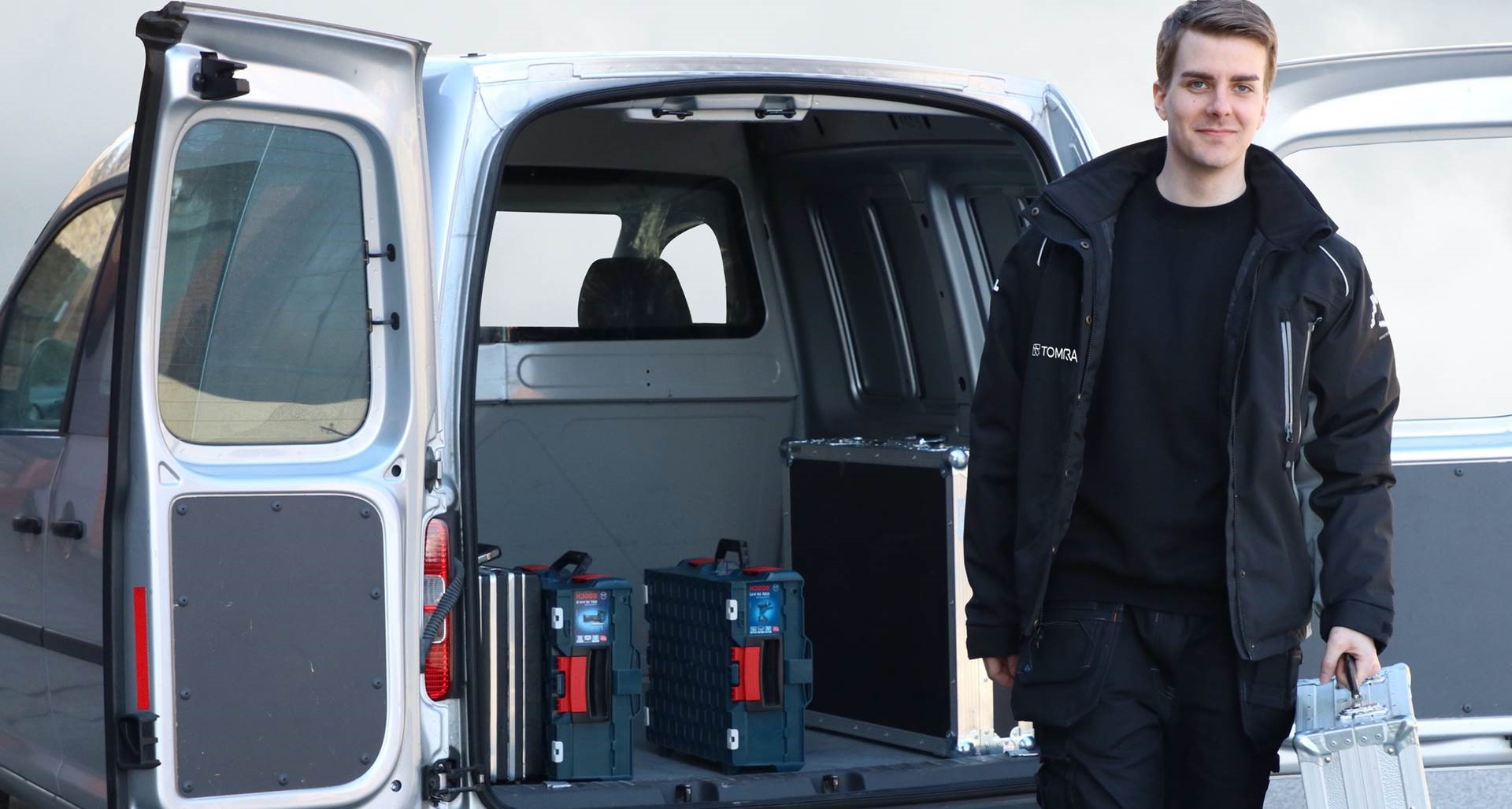
- Use a real image — a person or relevant machine photo converts better than stock imagery
Ready to Start the Conversation?
Whether you are evaluating TOMRA for a new deposit return scheme, looking to upgrade an existing RVM installation, or exploring sorting technology for food or recycling applications — our regional specialists are ready to help.
See Our Technology on Your Own Material
TOMRA Food operates test centres in Leuven (Belgium), Soria (Spain), Saku (Estonia) and Ujhartyan (Hungary). Bring your own product samples and our applications engineers will run trials and deliver a detailed sorting report.
Download the TOMRA Annual Report 2024
The TOMRA Annual Report 2024 contains a full account of our financial performance, our progress against sustainability targets and our strategic priorities for the years ahead.